

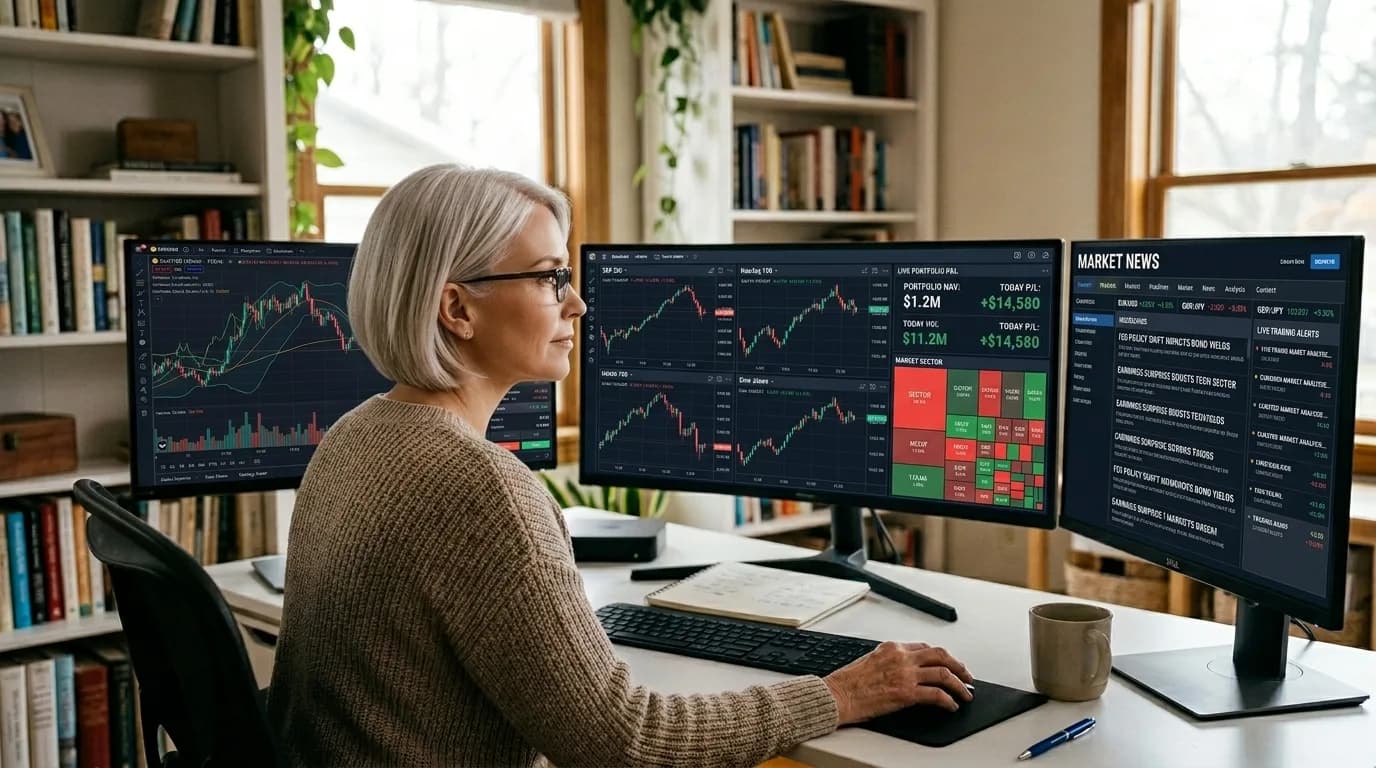
Triple Screen Trading System: Elder's Multi-Timeframe Method
Dr. Alexander Elder, psychiatrist turned trader, developed the Triple Screen system in the 1980s after observing that most trading losses came from two sources: trading against the trend and entering at poor prices. His solution was brilliantly structured: use three "screens" (timeframes) as progressive filters. The first screen identifies the trend tide, the second finds waves within that tide, and the third times your entry down to the ripple. Each screen eliminates a category of bad trades. Only setups that survive all three filters get your capital.
The Three Screens
Screen 1: The Tide (Trend Direction)
Use a timeframe one level above your trading timeframe. For swing traders, this is the weekly chart. The indicator is the MACD histogram slope — not the absolute value, just whether it's rising or falling.
MACD histogram rising → market tide is bullish → only look for longs on Screen 2. Histogram falling → bearish → only look for shorts. This is a binary filter — no ambiguity. If you can't determine the tide direction, stay out.
Screen 2: The Wave (Counter-Trend Oscillator)
Use your primary trading timeframe (daily for swing traders). Apply an oscillator to find pullbacks within the trend identified by Screen 1. Elder preferred the Force Index (2-period EMA) or Elder-Ray Bear/Bull Power.
In a bullish tide: wait for the daily Force Index to dip below zero. This signals a temporary selling wave within the larger bullish trend — a buying opportunity. In a bearish tide: wait for Force Index to rise above zero — a temporary buying wave within the bear trend, a shorting opportunity.
Screen 3: The Ripple (Entry Timing)
Use a lower timeframe or a trailing stop technique. When Screen 2 signals a buying opportunity, place a buy stop one tick above yesterday's high. If price rises above yesterday's high, you're entered on momentum. If price continues falling, the stop isn't triggered and you avoid the trade. Cancel unfilled orders after 2 days.
Adapting for Crypto Markets
| Screen | Original | Crypto Swing | Crypto Day Trade |
|---|---|---|---|
| Screen 1 (Tide) | Weekly | Daily | 4H |
| Screen 2 (Wave) | Daily | 4H | 1H |
| Screen 3 (Ripple) | Intraday | 1H | 15m |
| Tide indicator | MACD histogram | MACD histogram | MACD histogram |
| Wave indicator | Force Index 2 | Force Index 2 | RSI(4) |
| Entry method | Trailing buy stop | Trailing buy stop | Limit at support |
The shift down one timeframe level accounts for crypto's faster market cycles. A weekly trend in stocks corresponds roughly to a daily trend in crypto — both represent the dominant directional move that takes weeks to shift.
Backtest Results
| Configuration | Asset | Period | Win Rate | Profit Factor | Max DD |
|---|---|---|---|---|---|
| Daily/4H/1H | BTC | 2020-2025 | 58% | 2.1 | -19% |
| Daily/4H/1H | ETH | 2020-2025 | 55% | 1.8 | -23% |
| 4H/1H/15m | BTC | 2023-2025 | 52% | 1.6 | -15% |
| Screen 2 only (no 1/3) | BTC | 2020-2025 | 45% | 1.2 | -32% |
The comparison with Screen 2 alone proves the system's value. Without the trend filter (Screen 1) and timing refinement (Screen 3), win rate drops 13 percentage points and max drawdown nearly doubles. Each screen adds measurable value.
The Elder Impulse System
Elder later developed the Impulse System as a simplified companion to Triple Screen. It colors each bar based on two conditions: EMA(13) direction and MACD histogram direction. Both rising = green (bullish impulse, short selling prohibited). Both falling = red (bearish impulse, buying prohibited). Mixed = blue (neutral, any direction allowed).
Use the Impulse System as a quick visual filter on your Screen 2 chart. Only take buy signals from Screen 2 when the bar is green or blue. Only take sell signals when red or blue. This prevents the common mistake of entering against strong short-term impulse.
Elder's rule: "Trade in the direction of the tide, enter on the wave, and ride the ripple." The beauty of Triple Screen is that it forces patience. You must wait for three independent conditions to align, which naturally filters out 80% of potential trades and keeps only the highest-probability setups.
Risk Management Integration
Elder recommends risking no more than 2% per trade and 6% total portfolio heat. Position sizing: risk amount / (entry price - stop price). The stop goes below the most recent Screen 2 swing low for longs (or above swing high for shorts). This integrates naturally with Triple Screen — the oscillator pullback creates a defined risk level that's usually 1-2 ATR from entry.
FAQ
What is the Triple Screen trading system?
Three timeframes as progressive filters. Screen 1 (weekly/daily) identifies trend via MACD histogram. Screen 2 (daily/4H) finds pullbacks via Force Index. Screen 3 (intraday/1H) times entry via trailing stop. Each screen eliminates bad trades.
How do the three screens work together?
Screen 1: MACD histogram rising = bullish only. Screen 2: Force Index dips below zero = buy opportunity. Screen 3: buy stop above yesterday's high for momentum entry. Only trade when all three align.
Does Elder's system work for crypto?
Yes — shift timeframes down one level (daily/4H/1H instead of weekly/daily/intraday). Produces 55-60% win rates with 2:1+ reward-to-risk on BTC. Each screen adds measurable value vs single-timeframe trading.
Further Reading
About the Author
Quantitative researcher with 8+ years in algorithmic trading and strategy backtesting. Specializes in technical indicator analysis and risk-adjusted performance metrics.
FAQ
What is the Triple Screen trading system?▾
Developed by Dr. Alexander Elder, Triple Screen uses three timeframes as progressive filters. Screen 1 (weekly) identifies the trend using MACD histogram slope. Screen 2 (daily) finds entries using oscillators (Force Index or Elder-Ray) that pull back against the trend. Screen 3 (intraday) times the exact entry using a trailing buy/sell stop. Each screen eliminates bad trades, so only high-probability setups survive all three filters.
How do the three screens work together?▾
Screen 1 (trend): Weekly MACD histogram rising = bullish, falling = bearish. Only trade in this direction. Screen 2 (oscillator): Daily Force Index 2-period dips below zero (in uptrend) = buying opportunity. Above zero (in downtrend) = shorting opportunity. Screen 3 (timing): Place a buy stop above yesterday's high. If not triggered within 2 days, cancel and wait for the next Screen 2 signal.
Does Elder's system work for crypto?▾
Yes, with timeframe adjustments. Since crypto markets are faster, shift each screen down: Screen 1 = daily (trend), Screen 2 = 4H (oscillator), Screen 3 = 1H (entry). The principles remain identical — trend filter → oscillator pullback → precise entry. In backtests, the adapted system produces 55-60% win rates with 2:1+ reward-to-risk on BTC.
Further reading
Related articles
Comments (0)
Loading comments...