

How to Use Funding Rate Monitor for Trading Signals
Funding rates are the heartbeat of perpetual futures markets, reflecting the real-time balance between long and short positioning. StratBase.ai’s Funding Rate Monitor aggregates live rates from Binance and Bybit, giving you a centralized dashboard to spot sentiment extremes — and an alert system to act on them before the crowd.
What Is a Funding Rate?
Perpetual futures contracts have no expiry date, so exchanges use a funding mechanism to keep the contract price anchored to the spot price. Every eight hours (on most exchanges), traders on one side pay the other. When the funding rate is positive, longs pay shorts — indicating bullish sentiment and overleveraged long positions. When negative, shorts pay longs — signaling bearish positioning.
Extreme funding rates historically precede reversals. When longs are paying an annualized 100%+ to hold their positions, the market is overheated and vulnerable to a correction. Conversely, deeply negative funding during a sell-off often marks capitulation and a potential bottom.
Navigating the Funding Rate Monitor
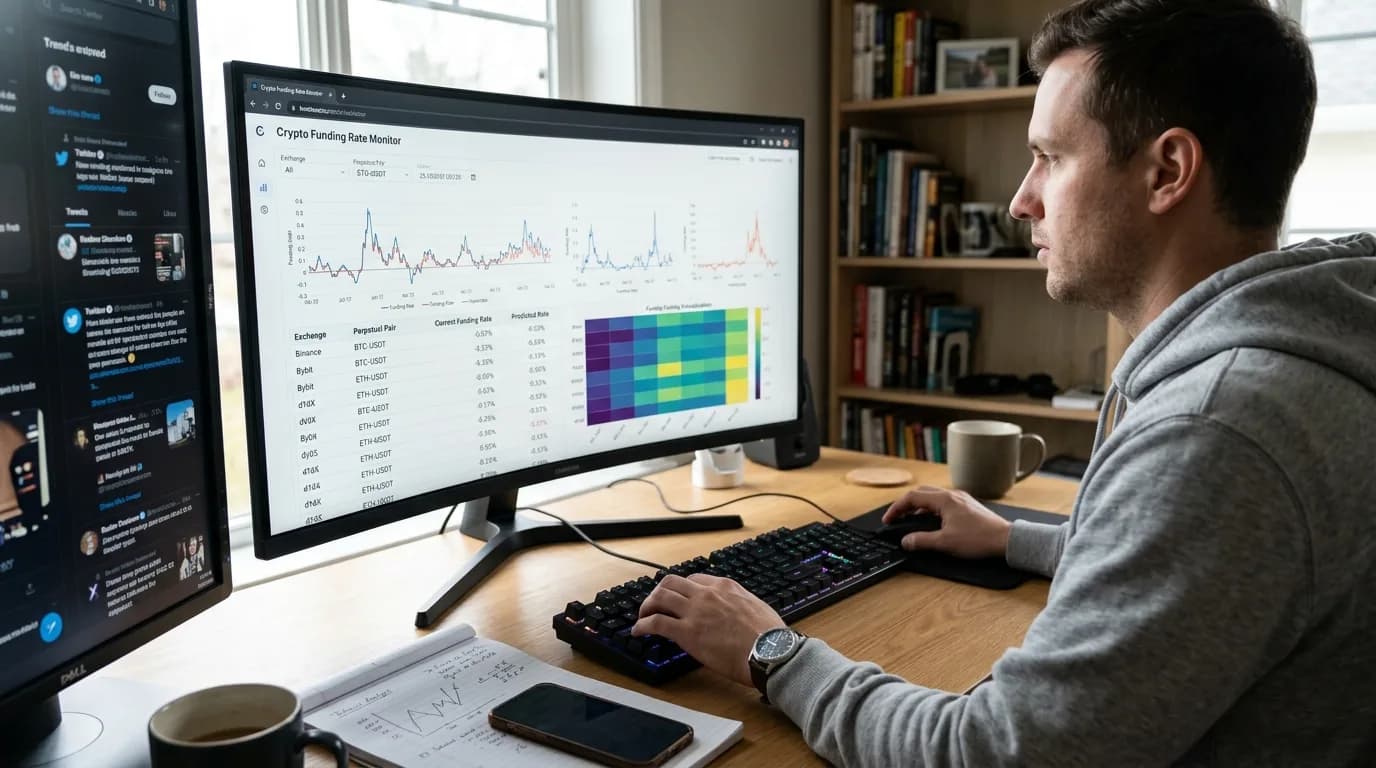
StratBase.ai’s Funding Rate Monitor is accessible from the main navigation under market tools. The interface presents a sortable table showing real-time funding rates across all tracked instruments on Binance and Bybit. Here is what each column tells you:
| Column | Description |
|---|---|
| Symbol | The perpetual futures pair (e.g., BTC/USDT) |
| Exchange | Binance or Bybit |
| Funding Rate | Current 8-hour rate as a percentage |
| Annualized | The 8-hour rate × 1095 for annual perspective |
| Mark Price | Current mark price of the contract |
| OI (USD) | Open interest in US dollars for context on positioning size |
You can sort by any column, search for specific symbols, and filter by exchange. The color coding provides instant visual feedback — green for negative (shorts paying), red for positive (longs paying), with intensity scaling based on the rate magnitude.
Step-by-Step: Setting Up Funding Rate Alerts
- Navigate to Funding Alerts. From the Funding Rate Monitor page, click on the alerts configuration section. You will need to connect your Telegram account first if you have not already done so.
- Connect Telegram. Click «Connect Telegram» and follow the deep-link to the StratBase.ai Funding Rate bot. Send the verification command to link your account. The connection is confirmed instantly.
- Create an alert set. Click «Create Alert Set» and give it a descriptive name, for example «BTC Extreme Funding.» Each alert set lets you define different thresholds for different groups of instruments.
- Configure thresholds. Set the positive rate threshold (e.g., 0.05% per 8 hours) and the negative rate threshold (e.g., −0.03% per 8 hours). When funding crosses either boundary, you receive a Telegram notification.
- Select instruments. Choose which symbols to monitor. You can select individual pairs or monitor all instruments and set a top-N filter to receive alerts only for the most extreme rates.
- Set daily limits. Configure a maximum number of alerts per day to avoid notification fatigue. A limit of 10–20 per day is a reasonable starting point.
- Test the alert. Click «Send Test» to verify that notifications arrive in your Telegram. Adjust any settings as needed.
Practical Trading Applications
Funding rate data enhances multiple trading approaches on StratBase.ai:
- Contrarian entries: When funding spikes above 0.1% per 8 hours, consider this a warning of excessive bullish leverage. Backtest short entries triggered by extreme positive funding combined with bearish divergence on RSI.
- Trend confirmation: Moderately positive funding (0.01–0.03%) during an uptrend is healthy and suggests sustainable momentum. Use funding as a filter to stay in trend-following positions.
- Funding arbitrage awareness: Large discrepancies between Binance and Bybit funding rates for the same instrument may indicate exchange-specific positioning imbalances worth investigating.
- Integration with backtesting: StratBase.ai’s engine supports futures indicators including funding rate data. You can incorporate funding rate conditions directly into your backtest strategy to validate historically whether funding extremes improve entry timing.
Combining with Other StratBase.ai Tools
The Funding Rate Monitor is most powerful when used alongside the platform’s other monitoring tools. Check the REKT Screener for liquidation cascades that often accompany funding rate extremes. Use the OI Screener to see whether open interest is rising (new positions) or falling (liquidations) as funding shifts. The Fear & Greed Index provides macro sentiment context — extreme greed combined with extreme positive funding is a particularly strong contrarian signal.
Pro tip: Set up separate Telegram alert sets for different market conditions — one for extreme bullish funding and another for extreme bearish funding — so you can quickly toggle them based on your current trading bias.
Key Takeaways
The Funding Rate Monitor transforms raw exchange data into actionable intelligence. By centralizing rates from multiple exchanges, providing real-time sorting and filtering, and delivering threshold-based Telegram alerts, it eliminates the need to manually check funding across platforms. Whether you use funding as a standalone contrarian indicator or as a confluence filter in your backtested strategies, consistent monitoring of this metric gives you insight into market positioning that most retail traders overlook.
Further Reading
About the Author
Trading systems developer and financial engineer. 10+ years building automated trading infrastructure and backtesting frameworks across crypto and traditional markets.
FAQ
What is the funding rate?▾
The funding rate is a periodic payment between long and short holders of perpetual futures contracts. When the rate is positive, longs pay shorts — indicating bullish positioning. When negative, shorts pay longs — bearish positioning. Exchanges use funding rates to keep perpetual futures prices anchored to spot prices. Rates are typically settled every 8 hours.
How do you trade based on funding rates?▾
Extreme positive funding (>0.05% per 8h) suggests crowded longs — potential for a long squeeze if price drops. Extreme negative funding (<-0.05%) suggests crowded shorts — potential for a short squeeze on any rally. Contrarian traders fade extreme funding rates, while momentum traders use moderate funding as trend confirmation.
What funding rate is considered extreme?▾
Normal range: -0.01% to +0.01% per 8h. Elevated: 0.01-0.05%. Extreme: >0.05% or <-0.05%. During major market events, funding can reach 0.1-0.3% per 8h. At 0.1%, longs are paying 0.3% daily to maintain positions — significant cost that can force position closures.
Further reading
Related articles
Comments (0)
Loading comments...